
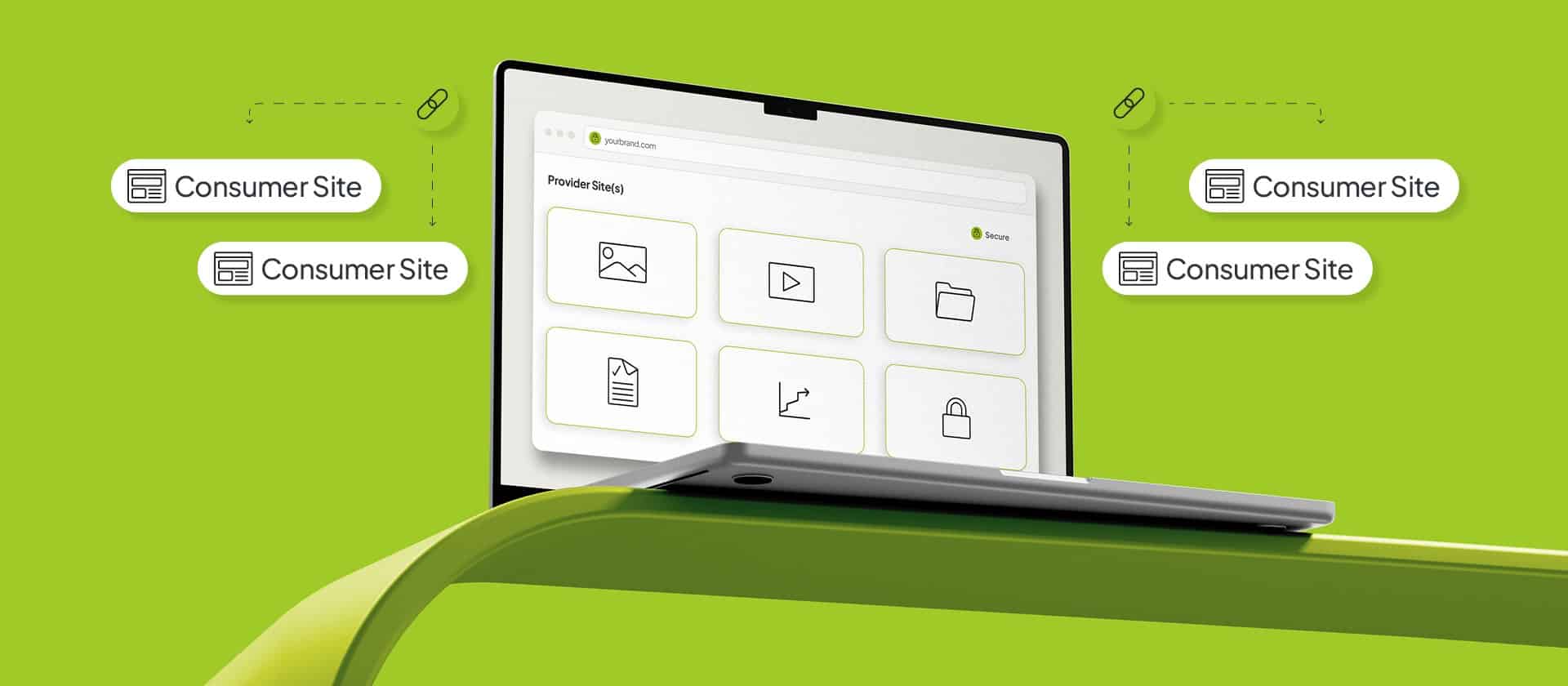
If you’re running content across a WordPress Multisite network, the same files can end up in a dozen places fast causing unnecessary bloat and duplication. So we built a Digital Asset Manager that gives an entire Multisite network one shared, governed media source instead of a separate library on every site.
The DAM our teams have built is simple: You pick one or more sites to act as providers. These hold the master assets, and every other site on the network acts as a consumer, and its editors browse those masters from a standard WordPress media picker they already use. When an editor selects an asset, the DAM creates a database link to it instead of downloading a copy. This allows one approved file to be referenced across the entire estate while being controlled from the centre.
The media problems our DAM addresses on WordPress Multisite
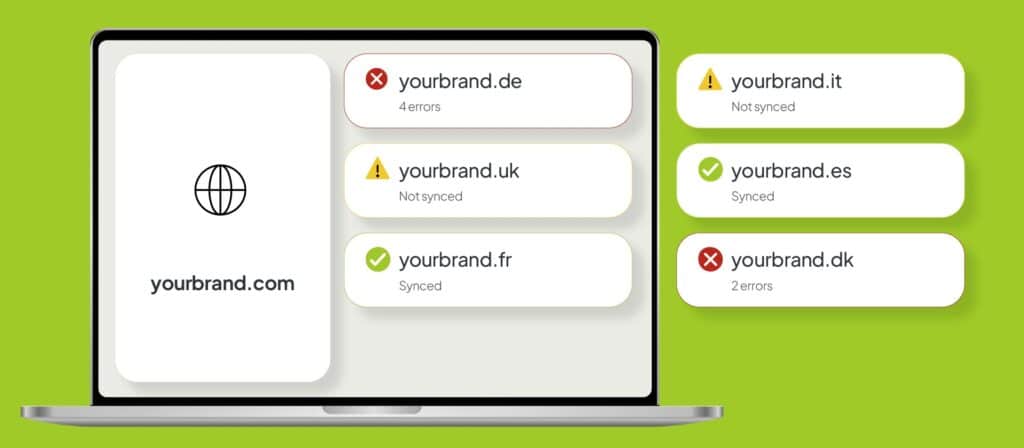
Left on its defaults, media on a Multisite network copies itself. This means that every site keeps its own library, so when fifteen country teams need the same product shot or safety document, you might get fifteen uploads of the same file. Across hundreds of assets and dozens of markets, most of your library becomes the same handful of files, just duplicated many times over. On a network across 10, 20, or 50 sites, the digital footprint of duplication can turn into hundreds of gigabytes, sometimes terabytes. This creates a few specific problems if not addressed properly:
- Storage is part of a larger problem that compounds the moment an asset needs to change, or an auditor asks you to account for every version in the field.
- When the same product image lives in fifteen places, updating it means finding it in fifteen places. Some markets get the new version. Others keep the one MLR approved two cycles ago.
- There is no single answer to who can upload, replace, or delete an asset across the network. Control sits site by site, which at the network level on enterprise scale means it barely exists at all.
- When someone asks which assets are live on which sites, you look for the answer across spreadsheets, inboxes, and whoever happened to make the change. For a regulated brand, an outdated image or missing safety information on a promotional page is regulatory risk.
Each of these traces back to the same root: many copies without a shared owner. And these are each the specific problems our DAM solution addresses.
How our DAM centralises and governs media across every market site
The way our DAM centralises and governs your media all comes back to that setup we described earlier, where a single approved master file lives on a provider site and every other site links to it rather than keeping its own copy. Once your sites are all drawing from the same master file instead of their own copies, the central control, the instant updates, and the clean audit trail are all handled centrally.
Take localisation first: when an asset comes across to a market site, its alt text, caption, and description travel with it, and the market is free to rewrite any of them to suit its own language and local rules. None of that reaches back to the master or to any other site, so you end up with the same approved file carrying the right local wording in every place it appears, which is usually the hardest part to get right when you are doing this manually.
Updating that file gets a lot easier too. When an approved asset is superseded, an editor swaps it on the provider, and the DAM pushes that change out to every market site that references it. Because there was only ever one file underneath, there is no longer a copy sitting on other market sites that haven’t been updated yet.
You also get to decide exactly how much each site can do. For every provider and market relationship, you choose whether a site can only use provider assets, whether it can add and delete assets, or whether it can do neither, and you can go further by hiding the raw asset URL so editors cannot copy files out by hand, or switching off the local media library so a market works only from approved assets.
There are six built-in roles to work with, running from Provider Media Manager down to Consumer Media Publisher, which is what lets your global brand team keep hold of the masters while country teams get precisely the access you have decided to give them. And the audit trail then takes care of itself because imports, uploads, replacements, and settings changes are all logged to give you a clear record of your digital assets.
How our DAM compares to shared storage buckets and cloud DAM platforms
The usual solution most teams go for is a shared storage bucket, and it does put a single file in one place. But what it cannot tell you is who is allowed to change that file, which sites are using it, or what happened to it and when. On a regulated estate, those are the questions you need to have the answers to. Third-party Cloud DAM products also handle the storage well, but they come as a separate subscription and a picker that sits outside the WordPress editor which can make things clunky and disjointed for your teams.
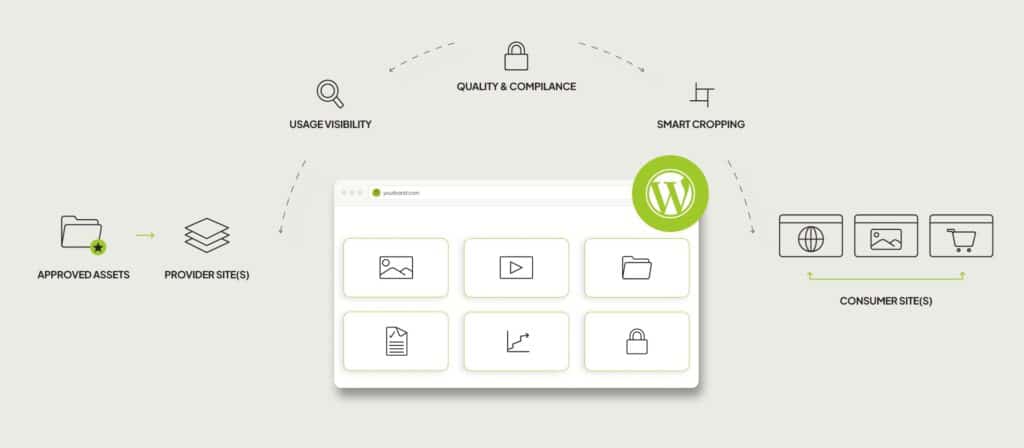
Our DAM solution sits inside WordPress instead. Editors work from the media picker they already know, so there is no new tool to learn. Having the DAM be inside WordPress also lets it do a few things a bucket or a cloud product cannot:
- It can show you where an asset is used before you touch it. The companion package WP Relations lists every post on every market site that references an asset, so you know what a replacement will affect before you make it. A bucket just holds the file and leaves you to find that out the hard way.
- It can catch quality problems before they reach a market. The other companion package, Media Discovery, runs health checks that flag assets missing alt text or a caption and surfaces them for the team to fix, as well as enhances media picker search for content teams through rich, faceted filtering. That happens on the provider, before the asset lands on a market site, which is where the accessibility and regulatory exposure lives, and it supports human review rather than replacing it. A bucket cannot check the quality of what it stores at all.
- It can crop each image around the parts that matter. You can set a focal point per market, and whatever the template does, the important part of the image stays in frame, which is more than a cloud DAM cropping to fixed presets will give you.
- And it connects to the approved assets you already hold. When your masters sit in a system like Veeva PromoMats, the DAM has a documented way to connect external sources, so editors browse and import those assets through the same picker instead of downloading and re-uploading them by hand, and a market site can draw from more than one provider at once, such as a global brand library and a regional one, in the same place. A cloud product would ask you to move all of that into it first.
What it takes to run the DAM, and where its limits are
It helps to know what the DAM needs and where its edges are. It runs on WordPress Multisite, so it is built for a network of sites rather than a single standalone one. The providers have to be set up and connected before editors can start working from the shared library, and pulling in an external system like PromoMats means needing to build an integration for it.
Creating the master library requires work up front, but it’s work that only needs to happen once. After that, the setup pays back on every asset change, every audit, and every new market added to the network.
One governed source across every market site
It all comes back to one governed source. Your network draws from a single approved file instead of a thousand scattered copies, and that one change is what gives you the rest. Storage holds one copy rather than growing each time a market needs the same asset. An update made on the master reaches every site that references it. Access is set by role, so the global team holds the masters and each market gets what you grant it. And the record of what was imported, replaced, and changed is logged, so the audit question has an answer.
All of this lives inside WordPress, so your editors keep working in the picker they already know, and the same team that builds your platform maintains it. For pharmaceutical companies running content across many regulated markets, that is what makes the media library something the business can grow on, and something that holds up when an audit comes. The setup work up front is worth doing for it.
Reach out to our teams if you’d like to learn more about the full capabilities of our DAM and how it can improve your digital operations.
Looking for a better way to govern media and content across your markets?
Explore our bespoke, multi-market WordPress solutions that we built for enterprises and multi-market organizations across the globe.
WordPress for Enterprise — We use Multisite to build the architecture, governance, and platform strategy behind complex, multi-market digital portfolios, including the shared media source that sits at the centre of them.
Custom Integrations — Connect your platform to the systems your approved assets already live in, from Veeva PromoMats to your CRM, ERP, analytics platforms, SSO, and wider MarTech stack.
Multilingual WordPress Solutions — Multi-market content management, hreflang, regional SEO, GEO, and translation workflows built on MultilingualPress, the second most-used plugin on WordPress VIP. Built and maintained by Syde.
Quality Assurance — Get expert QA for your existing installations, or access our quality assurance teams during the creation of your new installation, from accessibility checks to asset health.
Content Migration — URL mapping, redirect strategies, metadata, and asset migration across large and complex estates.
Related Articles
-
Digital Sovereignty in an Increasingly Dependent World
Digital sovereignty isn’t about removing third-party providers, but building an architecture that gives you the freedom to choose which providers you use.
-
PaaS vs Self-Hosted WordPress: What You Should Know
Choosing between a managed PaaS environment and a self-hosted WordPress setup is one of the more consequential decisions a digital team can make.
-
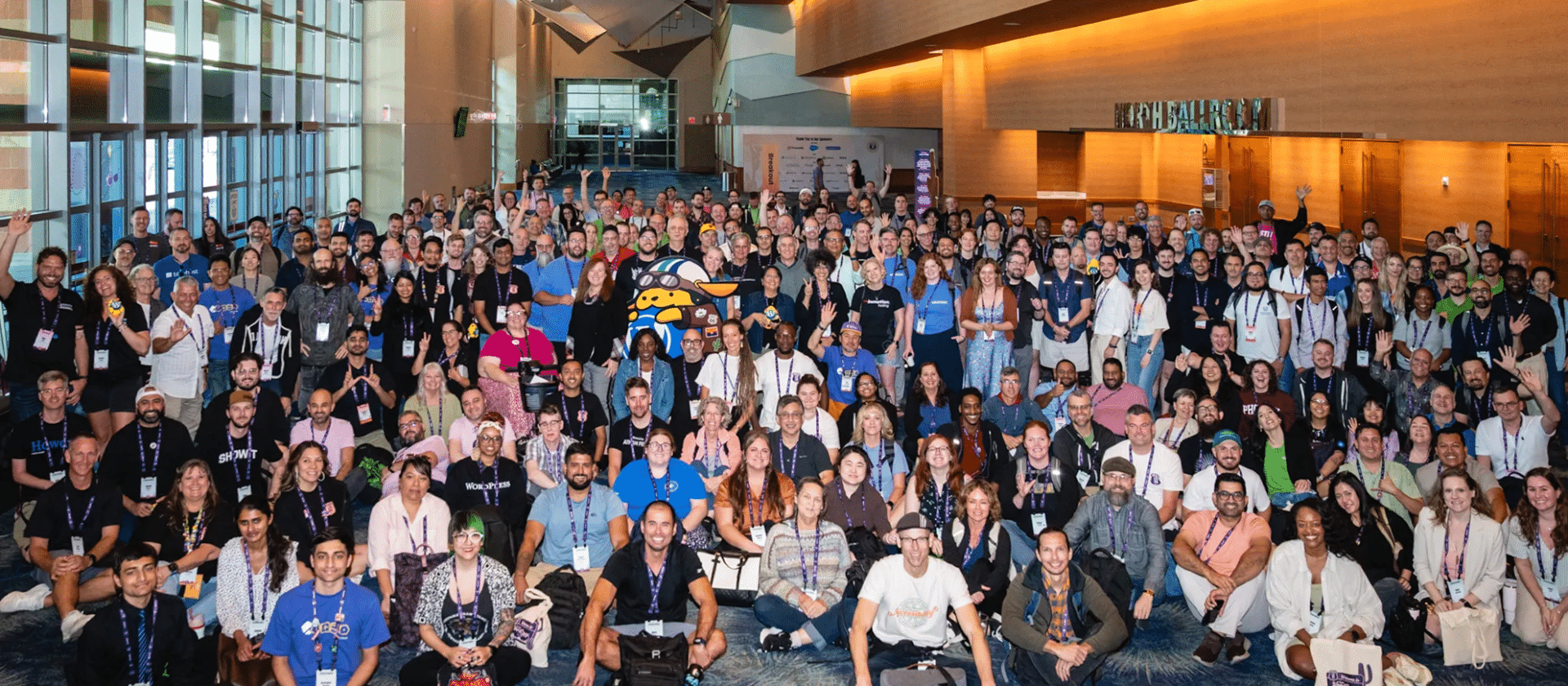
WordCamp US 2026 Recap
4 Days packed with lots of great talks, lots of great people, and lots of not so great heat. Phoenix was a blast!
Failed to submit:
one or more fields are invalid.