
When headless WordPress gets brought up in an enterprise project, it’s usually because someone wants better compliance across their markets, more customizability for their individual needs, or more freedom on the front end. However, in most enterprise situations, a monolithic WordPress build can offer the same benefits as a headless one, with fewer separations between stacks to look after.
Headless vs monolithic WordPress: What’s the difference?
In headless builds, WordPress stops rendering pages and instead holds global information about the pages, including the header, footer, navigation menus, site name, SEO metadata, etc. That global information then gets shared through the REST API or the WPGraphQL plugin. A separate app, usually Next.js, or something similar, takes over rendering the front end.
The usual reason to go headless is that by not utilizing WordPress theme logic, developers would then have more freedom to build something distinctive and fast. But a well-built WordPress theme can give you that same freedom and that same speed, without handing your team additional middleware to maintain.
What going headless also misses is how much a WordPress theme normally does on its own. Once the theme is gone, all of that work lands on your team, so now you’re writing, testing, and maintaining new code just to keep things running. This can be done if you have the manpower for it. But it can also add a lot of extra overhead and pressure on teams if you don’t have capacity.
Is headless WordPress more secure than monolithic WordPress?

The security argument for running a headless WordPress site is usually based on the idea that the API is the only thing exposed. The main idea being that whole categories of attack stop applying to a headless build when there’s no page session to steal and no person at the other end of a request to trick. And a front end given a read-only key reaches nothing beyond content you’ve already published.
Most of the security benefits people attribute to headless setups come from the same hardening and access control you can apply to a monolithic install. And applying the hardening and access control to a monolithic setup costs less and finishes sooner than rebuilding the architecture. Our enterprise hosting partner, WordPress VIP, makes a similar point in its piece on headless tradeoffs, noting that extra services, APIs and pipelines leave more room for error and misconfiguration.
Does headless WordPress improve performance?
Decoupling doesn’t make a site faster. A headless front end still needs server-side rendering for search visibility and first-load speed, which means adding a framework in the middle, so you end up running WordPress, a bridging toolkit like Faust, Next.js and a Node host. Caching gets harder for the same reasons, because every content change has to travel through each step instead of clearing in one place.
The capabilities that once made the argument for going headless now live inside WordPress itself. Component-based building, the reason many teams reached for React in the first place, is what block themes give you today, letting you assemble pages from reusable, self-contained pieces rather than one rigid template.
And the Interactivity API handles the rest of what a headless setup exists to solve: separating what renders on the server from what runs in the browser, hydrating the page correctly once it loads, managing state as visitors interact with it, and handling routing between views. Build a custom React front end instead, and you’re solving each of those problems again from scratch, routing included, then maintaining that solution through every update that follows.
The reasoning behind headless was never really about speed. It was about perceived capabilities that WordPress lacked in a monolithic setup. But now that it has them, going headless just adds the overhead from above, without anything extra to show for it.
The cost of headless WordPress: plugins and integrations
Plugins and integrations are where a lot of the extra cost shows up in a headless setup, since most plugins are built to work with a WordPress front end. Gravity Forms and Yoast SEO, for example, normally send their markup, meta data, and scripts straight to that front end. In a headless build, none of that has anywhere to go, so each plugin needs its own custom integration, a replacement, or some kind of workaround, and the same goes for any other component your team or agency already relies on. Something that used to be a quick setting in WordPress now has to be built by a developer instead.

What headless WordPress means for your editorial team
Headless changes things for your editorial team first, since it affects the tools they use on a daily basis. Right now, a monolithic WordPress build shows editors exactly what a page will look like the moment they hit save. With headless, the CMS stores content, but it’s not rendering visual pages anymore which makes the review and editorial process more difficult than it needs to be.
Governance and marketing tooling also move in a similar direction. A monolithic WordPress build enforces who can publish and who can only draft through capability checks inside one system. With a headless site, publishing gets spread across the CMS, through the front end and the deployment pipeline. The plugins your marketing team leans on for tracking pixels, popups, forms and A/B tests work by injecting code into WordPress-rendered HTML, and once that rendering happens in your own app they either stop working or move into the front end and a tag manager, which usually means a developer is involved in changes marketing used to make on their own.
Then there’s the operational aspect to consider if you’re running a headless system across multiple markets or regions. Instead of one codebase with its theme and plugin stack, like with a Multisite build, you have a separate CMS instance and a separate front-end app, each with its own build, deployment, and caching. On a multisite network you build the preview layer and the permission model once and each new market inherits them.
When headless WordPress is the right choice
Headless makes sense in a few specific situations. Maybe WordPress isn’t actually where your content lives. Perhaps you’re using a product database or PIM, and WordPress is just one of the places that content ends up. Maybe that same content needs to go to a website, an app, and other devices that don’t work like web pages, so you need an API to serve it all from one place. Maybe what you’re building is more of an application than a website, something like a real-time tool or WebGL, and a normal page template just can’t do that. Sometimes your URLs need to follow a structure set by another system entirely, or compliance rules mean the content and the front end have to be kept on separate infrastructure. Any of these are good examples of when a headless build might be a better fit for your organization.
Hybrid WordPress: decoupling only what needs it
Most of the time, a headless project starts under the assumption that one part of the site can’t be handled by a normal WordPress template. We would argue that this is fundamentally false, since there probably isn’t a single view or template that can’t technically be built on WordPress. However, there are different options you have available to you that don’t result in deciding that the whole site needs to go headless. For example, WordPress can share its content with a single component through an API, while everything else stays a regular WordPress site. Editors keep working the same way they always have through the same preview, roles, and plugins, but the part that actually needs something different gets built differently. That way, you’re only paying for and building additional complexity where you actually need it. Hybrid WordPress builds are highly capable and can give you the best of both worlds without you needing to commit your entire CMS system to one or the other.
How to decide between headless and monolithic WordPress
If what you’re really after is a different framework, a security fix that proper hardening already covers, or faster load times that server-side rendering gives you anyway, a regular WordPress site gets you there for less. Most of what pulls enterprise teams toward headless like better compliance, more customization, more room on the front end, is already available inside a well-built monolithic setup or a hybrid one.
So before you commit to a second stack, ask what specific thing you actually need that WordPress can’t do on its own. If you can name it, and it’s mission-critical to your operations, build headless around that one requirement. If you can’t, stick with monolithic WordPress and save the extra layers and maintenance for a project that actually needs them.
Weighing headless against monolithic for your operations?
Explore the enterprise monolithic WordPress solutions that improve governance and compliance, increase efficiency, and remove bloat and fragmentation.
WordPress for Enterprise: We build enterprise WordPress architecture, governance, and platform strategies for global, multi-market organizations.
Custom Integrations: Connect WordPress to the systems your content already depends on, from your CRM and ERP to analytics, SSO, and the rest of your MarTech stack.
Multilingual WordPress Solutions: Run every market from one install with MultilingualPress, the second most-used plugin on WordPress VIP, built and maintained by Syde.
Quality Assurance: Get expert QA on your existing installation or your next one.
Related Articles
-

Our Own Experience: WordCamp Europe 2014 – Sofia in Review
888 visitors from 52 countries met up at the WordCamp Europe 2014 in Sofia, Bulgaria – a vibrant melting pot of cultures and languages. For three days, we listened to presentations, had fiery discussions, made new contacts and revisited old ones, worked on WordPress, and generally celebrated being part of a great international community.
-

Looking back on 2016 with WordPress
2016: we had a lot of fun and are looking forward to 2017! A year writes exciting stories. We look back on great achievements and encounters and look forward to life. We also give a little insight behind the scenes.
-
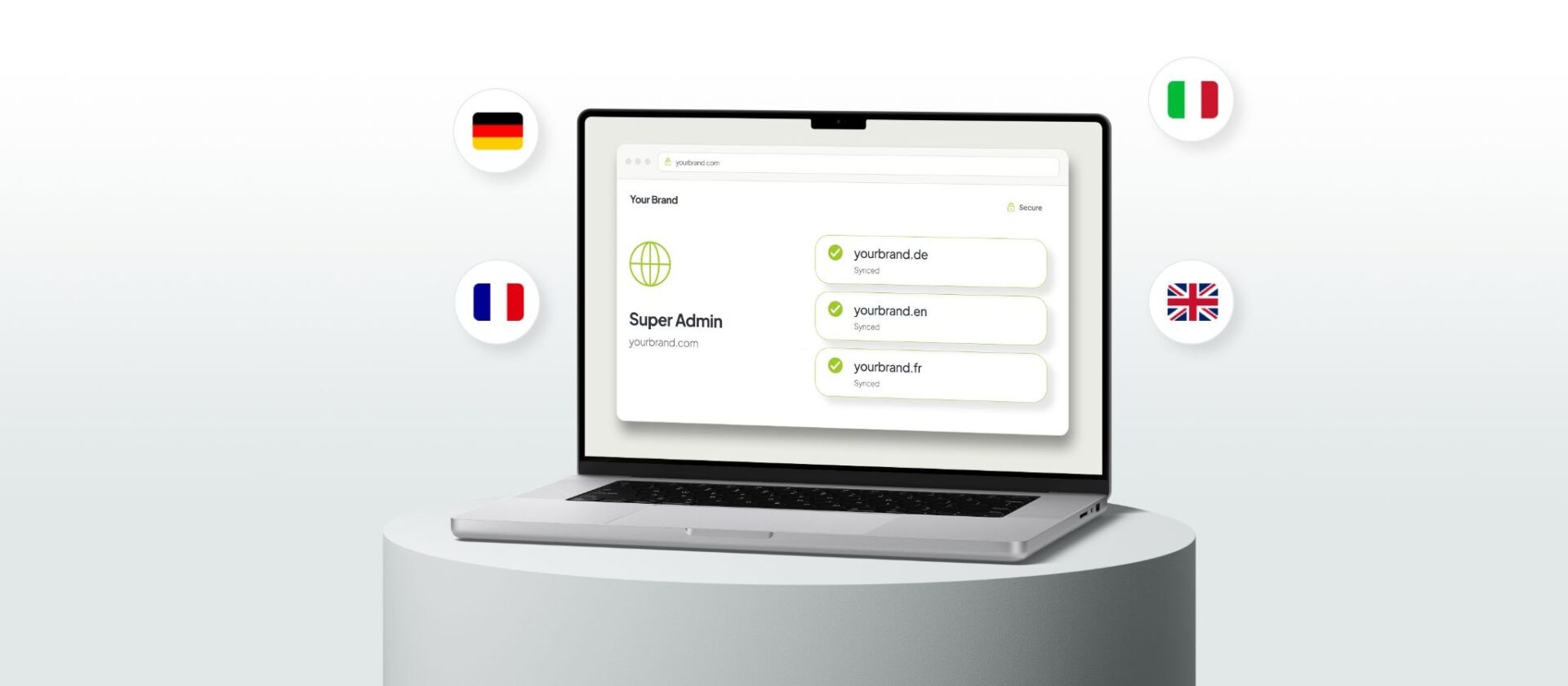
Multi-market compliance: what to require from your CMS
Managing multi-market becomes a lot harder when you’re dealing with fragmented systems across markets. Here’s what you should require from your CMS.
Failed to submit:
one or more fields are invalid.