

When it comes to building a website that actually works for your business, the CMS isn’t just another tool; it’s the backbone of the entire operation. Choosing the best CMS for enterprise can shape how quickly you roll out new features, how secure your site stays under heavy traffic, and even how much you’ll spend on licenses, hosting, and upgrades. In short: your CMS choice can determine whether your project soars or stalls.
So, how do you pick the right one without guessing? A structured evaluation grid is your best friend. By rating potential platforms on key criteria, you avoid unpleasant surprises and ensure your tech choices line up with business priorities.

7 Factors That Really Matter When Choosing a CMS
Choosing the best CMS for enterprise is one of the most strategic decisions an organization can make. It impacts not only how content is published, but also your website’s scalability, security, performance, and long-term costs. To make an informed choice, there are seven must-watch factors that provide a clear framework for evaluating platforms, reducing risks, and ensuring your CMS investment delivers value for years to come.
Vendor Lock-In: How Tied Are You?
Choosing a CMS comes with an often-overlooked risk: vendor lock-in. Some platforms tie you tightly to their ecosystem, proprietary formats, or update cycles. Low lock-in gives your organization the freedom to switch hosting providers, bring in new developers, or integrate other tools without expensive migrations. High lock-in, on the other hand, can restrict flexibility and increase long-term costs, making your digital strategy dependent on a single vendor.
Scalability: Can Your CMS Grow With You?
For enterprise organizations, a CMS must handle growth, more traffic, additional sites, and increasingly complex content structures. Scalability encompasses both horizontal expansion, such as adding servers to manage increased load, and vertical expansion, including upgrading existing infrastructure to achieve performance gains. Multi-site management and global deployments also become critical when your brand spans multiple regions or markets.
Expandability: Adding Features Shouldn’t Hurt
A great CMS makes it easy to introduce new functionality. This can include installing plugins, connecting APIs for headless implementations, or building custom modules to meet business-specific needs. Platforms that make expandability cumbersome can slow down innovation and frustrate both editorial and development teams, creating hidden bottlenecks that impact time-to-market.
Security: Protecting Your Data
Security is non-negotiable. Enterprises require CMS platforms that protect against hacks, data breaches, and compliance risks. This means regular updates, vulnerability patching, fine-grained user access control, and audit-ready reporting. A secure CMS ensures sensitive content and customer data stay protected while keeping your organization compliant with industry regulations.
Performance: Handling Traffic and Complexity
Performance matters as much as security. Your CMS must handle high traffic, complex queries, and large media assets without slowing down. Tools like caching, CDN integration, and optimized hosting environments make a real difference when traffic spikes or large campaigns go live. Poor performance isn’t just frustrating, it can cost leads, conversions, and credibility.
Workflows: Supporting the Way Your Team Works
Enterprises often rely on sophisticated editorial processes. A CMS should support content creation, approvals, versioning, and multi-language or multi-site management. When workflows align with your team’s way of working, content moves smoothly from creation to publication, reducing delays and errors while increasing operational efficiency.
Total Cost of Ownership: The Real Price of Your CMS
Beyond licenses, hosting, and upgrades, total cost of ownership (TCO) includes ongoing developer support, maintenance, and operational costs. Low upfront fees can be misleading if upgrades are costly or talent availability is limited. A comprehensive TCO analysis ensures your CMS investment remains cost-effective in the long term, supporting both growth and innovation.
Open Source vs Proprietary CMS Platforms: What Enterprises Need to Know
When selecting a CMS, enterprises are essentially choosing between flexibility and openness on one hand, and integrated functionality with guaranteed support on the other. Understanding the strengths and trade-offs of each approach ensures a fact-based decision.
Open Source Platforms: Flexibility and Community Power
Open source CMS platforms offer transparency, adaptability, and community-driven innovation. Developers can access and modify the source code freely, integrate new technologies, and innovate without restriction. For enterprises, this translates to reduced vendor lock-in, access to a global talent pool, and cost efficiency, especially for multi-site or multilingual setups.
- WordPress: Once a blogging tool, WordPress has evolved into a full-featured enterprise CMS. Its Gutenberg block editor allows editors to build complex layouts quickly, while REST API (core) and GraphQL via WPGraphQL APIs support modern headless architectures. With over 60,000 plugins and optional enterprise-grade hosting with SLA-backed security and DDoS protection, WordPress balances flexibility with professional reliability. It’s the pragmatic choice for organizations that need speed, ecosystem depth, and low vendor dependency.
- Drupal: Ideal for organizations with complex data models, Drupal’s entity-based architecture handles intricate content relationships. It offers multilingual support, high security standards, and configuration management tools, but comes with a steeper learning curve and smaller freelance market.
- TYPO3: Popular in German-speaking regions, TYPO3 provides long-term editorial stability through its tree-like page structure, built-in workflows, and multilingual capabilities. Its trade-offs include a smaller module marketplace and more complex update paths.
Proprietary Platforms: Integrated Power with Trade-Offs
Proprietary or SaaS CMS platforms combine content management with pre-built marketing, analytics, and personalization tools. They offer predictable service levels and vendor-driven roadmaps, but come with higher costs and potential vendor lock-in.
- Sitecore: Focused on omnichannel personalization, Sitecore integrates marketing automation, CDP capabilities, and Experience Edge for headless content. Enterprise-grade security and role-based access management come standard, though licensing and specialized development costs are high.
- Adobe Experience Manager (AEM): Seamlessly integrates with Adobe Creative Cloud, Target, and Campaign. AEM delivers strong creative workflows and headless delivery, but infrastructure, licensing, and specialized DevOps expertise carry significant costs.
- Webflow: A cloud-based, low-code platform for rapid marketing site deployment. Webflow’s drag-and-drop editor and instant preview are intuitive, though its back-end flexibility can be limiting for complex integration-heavy stacks.
In short, open source CMSs give enterprises control, scalability, and cost efficiency, while proprietary platforms simplify implementation and offer built-in marketing integrations. Your choice depends on whether flexibility or pre-integrated workflows are the priority.
Why WordPress Often Wins the Enterprise Race
If your goal is balance, with scalability, innovation, and cost efficiency, WordPress consistently hits the sweet spot. With its massive developer community, optional enterprise SLAs, and flexibility without vendor lock-in, it grows with your business while remaining practical for editorial and development teams alike. It’s a platform where speed, ecosystem depth, and long-term reliability converge. For a more detailed dive, check out our article on why top enterprises choose WordPress.
Your 20-Minute CMS Decision Guide
Choosing a CMS doesn’t have to be a guessing game. Follow these three steps to move quickly from confusion to a clear, fact-based shortlist:
1. Create your scorecard
Set up a scorecard table with your CMS options across the top and your evaluation criteria down the side. Start by listing the seven key factors: vendor lock-in, scalability, expandability, security, performance, workflows, and total cost of ownership (TCO). Assign scores from 1 (poor) to 5 (excellent) and apply weighting factors based on your business priorities. This structured approach provides a clear view of how each platform performs.
2. Evaluate and shortlist
Fill in the scores for each CMS—WordPress, Drupal, Typo3, Webflow, Sitecore, Adobe Experience Manager, or any other platforms under consideration—and calculate the weighted totals. Highlight the top three platforms that emerge; these become your shortlist.
3. Validate resources and costs
For each shortlisted CMS, review practical factors such as developer availability, anticipated five-year license or hosting fees, and community or vendor support. Eliminate any option that doesn’t meet your operational requirements.
Scorecard Template
| Criterion | Weight (%) | WordPress Recommended | Drupal | TYPO3 | Sitecore | Adobe Experience Manager | Webflow | Total Score |
|---|---|---|---|---|---|---|---|---|
| Vendor Lock-In | 15 | 5 | 4 | 4 | 2 | 1 | 3 | 4.2 |
| Scalability | 20 | 4 | 4 | 4 | 5 | 5 | 3 | 4.1 |
| Expandability | 15 | 5 | 4 | 4 | 4 | 4 | 3 | 4.0 |
| Security | 15 | 4 | 4 | 4 | 5 | 5 | 3 | 4.2 |
| Performance | 15 | 4 | 4 | 4 | 5 | 5 | 4 | 4.3 |
| Workflows | 10 | 4 | 4 | 4 | 5 | 5 | 3 | 4.1 |
| Total Cost of Ownership | 25 | 5 | 4 | 4 | 2 | 1 | 4 | 4.4 |
| Weighted Result (example) | — | 4.6 | 4.1 | 4.0 | 3.9 | 3.7 | 3.6 | — |
Tip: Replace the example scores with your own. Highlighting a “recommended” column is intentional — it helps readers scan faster and understand your conclusion at a glance.
By following this simple scorecard process, you can turn what often feels like a complex, subjective decision into a clear, data-driven choice. In just 20 minutes, you’ll have a shortlist of CMS platforms that meet your business priorities, backed by real scores and practical considerations, ready for the next stage of evaluation.
Making a Fact-Based CMS Decision
Choosing the right CMS can make or break your website. By evaluating platforms against seven key criteria and using a structured scorecard, enterprises can turn a subjective choice into a clear, data-driven decision. Whether you value the flexibility of open source software, the integration of proprietary platforms, or the balanced pragmatism of WordPress, a scorecard gives you the clarity to select the CMS that best aligns with your business priorities. In just 20 minutes, you can confidently shortlist platforms with real-world data to support long-term success.
If you’re ready to leverage WordPress for enterprise-scale growth, Syde can help. As a dedicated WordPress agency, we build flexible, secure, and high-performing sites tailored to your business needs, guiding you from strategy through launch and beyond. Partner with us to maximize your CMS investment and turn your website into a true growth engine.
Turn Risk into ROI.
Relaunch your website with a proven framework.
Related articles
-
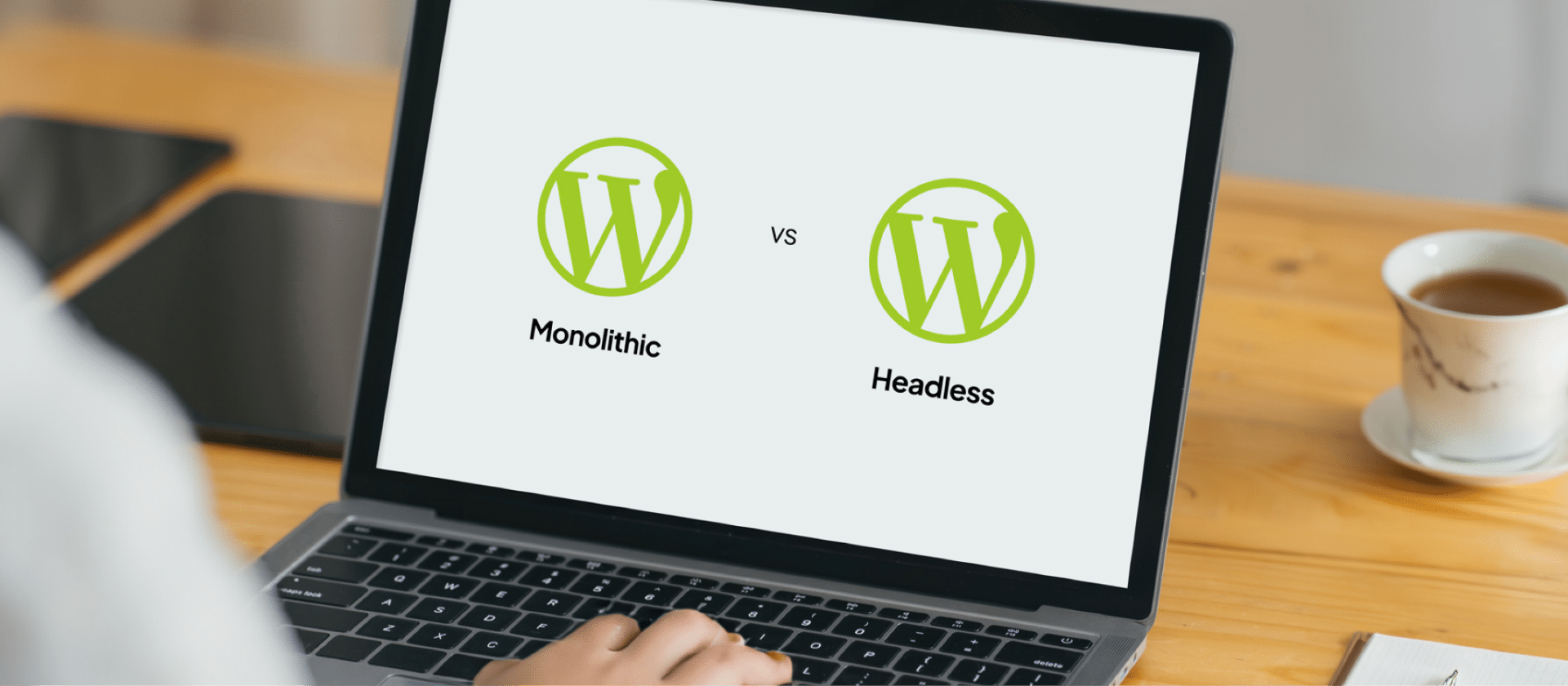
Monolithic WordPress vs Headless WordPress
Headless? Monolithic? This article provides all the information you need to compare the two and make an informed decision about which is best for your WordPress site.
-
How WordPress Multisite Supports Omnichannel Content Delivery
An enterprise CMS must enable omnichannel publishing and content management. See how WordPress supports omnichannel publishing below.