
The type of setup you choose to go with may affect deployment speed, security posture, operational overhead, and how your team spends their time. It is also a decision that should be considered thoroughly before it’s made.
What PaaS means in practice
In simplest terms, Platform-as-a-Service (PaaS) means managed hosting. It means your WordPress environment runs on infrastructure that is managed, maintained, and secured by a third party. WordPress VIP, WP Engine, Pantheon and Kinsta, are examples of managed hosting providers. These hosting providers handle server configuration, security patching, uptime monitoring, performance optimisation, and infrastructure-level incident response. While your in-house team, or your preferred WordPress agency, handle code and content. In concrete terms, a PaaS WordPress environment typically includes:
- Managed server infrastructure with defined uptime SLAs
- Automated security hardening and vulnerability monitoring
- Built-in CDN and caching layers
- Continuous integration and deployment pipelines
- Documented security controls and certifications for audit and compliance purposes
- A support team with infrastructure access and defined response times
Managed hosting organizations are built specifically for companies running WordPress at enterprise scale and are used by some of the world’s largest media, technology, and enterprise organisations. The hosting environments are pre-hardened, the deployment workflows are standardised, and the operational models are designed around the assumption that the platform is mission-critical.
PaaS Solutions do have a trade-off, however, which is less flexibility over the underlying infrastructure, and a higher recurring cost than basic self-hosting. However the benefit of a PaaS solution is that your hosting needs are handled by a team of experts, instead of your own teams having to manage hosting internally alongside website building and platform optimizations. Let’s look at self-hosting next.
What self-hosted, self-managed means in practice
Self-hosted means your organisation owns and operates the hosting infrastructure. You can decide the hosting, configure the server environment, manage the deployment process, define the update schedules, set up monitoring, and own incident response.
Depending on the degree of hosting responsibilities you want to take on, this model gives you full control over every aspect of the environment. You’re not subject to deployment pipelines, or environment configurations. You can optimize specifically for your workload and your individual use cases needed for your digital presence. What comes with that control is a set of ongoing responsibilities that require time and specific expertise to manage well:
- Server administration and configuration management
- Security patching across WordPress core, plugins, themes, and server dependencies
- Monitoring and alerting setup and maintenance
- Incident response planning and execution
- Scaling and capacity management
- Documentation of security controls for compliance purposes
For organisations with a dedicated platform engineering team and a clear operational model, these responsibilities can be manageable. However, for organisations where infrastructure management falls to a development team alongside a full product roadmap, self hosting can add serious overhead to your digital teams.
How the differences between PaaS and self-hosting may affect your organisation
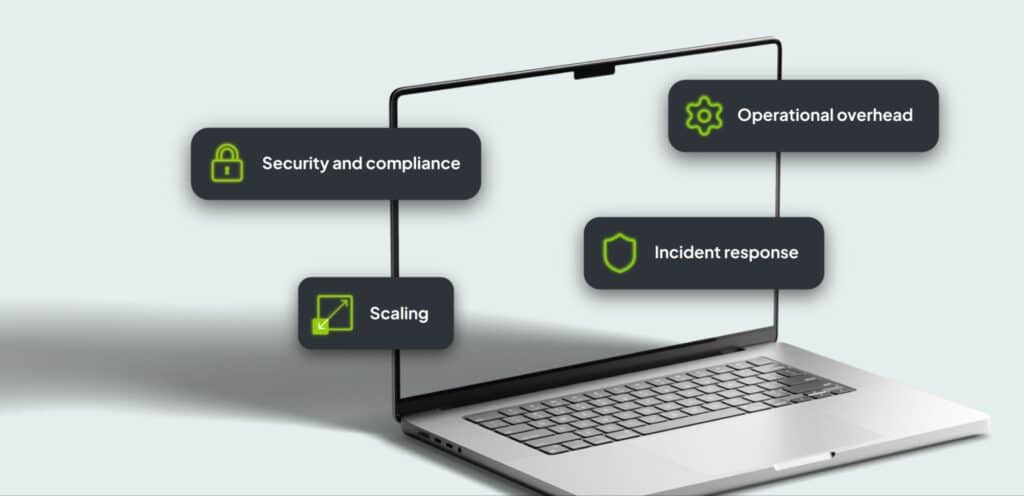
Both models can run a WordPress site reliably, but the differences become more significant as the complexity of the environment grows. These are the four main areas organizations should focus on and consider before making a decision whether to manage hosting themselves, or work with a hosting provider.
Security and compliance.
WordPress is the most widely deployed CMS in the world, which also makes it a more statistically probable target. On a PaaS platform, security patching is handled by the infrastructure team as part of the service, and it’s managed on a proactive, ongoing basis, and the patch record forms part of the audit trail automatically.
On a self-managed setup, patching is your team’s responsibility. That’s straightforward when the team has capacity and clear ownership, but it becomes more challenging when a critical vulnerability is disclosed during a product launch, when a key person is unavailable, or during testing of a patch across multiple environments before deployment. For organisations with audit obligations or regulatory requirements, the documentation piece adds another layer of work that a PaaS platform handles as standard.
Operational overhead.
Managing a self-hosted environment at enterprise scale is a job in itself. Server administration, update management, capacity planning, incident response are all tasks that require specific skills and consistent attention. PaaS platforms absorb overhead as part of the service, and they’re incentivized to improve their own processes and infrastructure management internally in order to provide a better service to their clients.
While at the surface, self-hosting might seem like a cheaper alternative to a PaaS solution, engineering hours spent on maintenance, deferred roadmap work, and knowledge risk that accumulates when infrastructure expertise sits with one or two people add challenges that make the cost-savings harder to justify. The convenience of having an external provider handle your hosting requirements for you needs to be compared against the added costs of that convenience, and vice versa.
Scaling.
On a managed platform, scaling to handle traffic spikes, new market launches, or a growing portfolio of sites is largely handled at the infrastructure level and managed by the provider’s teams. On a self-managed setup, each of these scenarios requires active intervention from your in-house teams, so things like provisioning capacity, reconfiguring load balancing, and reviewing caching have to be managed and prioritized by the right people when the pressure arrives, not after. This point ties back to the convenience and overhead caveat in the previous point.
Incident response.
When something goes wrong on a PaaS platform, there is a defined escalation path: a support team with context, infrastructure access, and contractual response times. On a self-managed setup, response speed depends on how clearly ownership has been defined internally and how available the right people are at the moment the incident occurs. The internal ownership path has to be built, tested and needs to be dependable when incidents occur.
How to decide if PaaS or self-hosting will be best for your organization
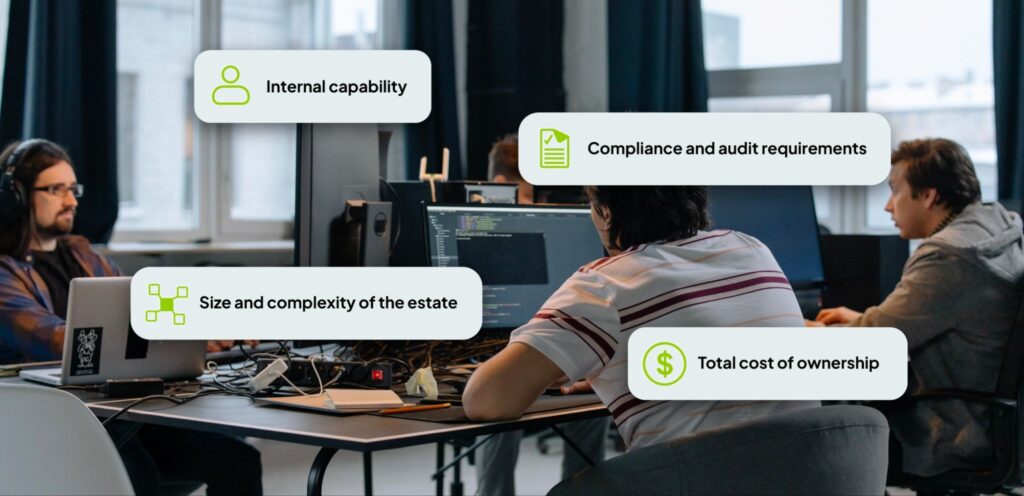
Neither model is universally better. Each has its pros and cons that may or may not be ideal for your organization right now, or in the future. There are, however, a few considerations you need to make before making a decision:
Internal capability.
In the case of self-hosting, does your team include people with the skills to manage a production WordPress environment at scale, like server administration, security engineering, or database optimisation? If the answer is no, how soon will you be able to fill these required roles? And will the decision to self-host require you to rebuild or augment internal departments or key responsibilities going forward?
Compliance and audit requirements.
If your organisation operates in a regulated environment, or if your security and procurement teams need documented evidence of security controls and uptime commitments, a PaaS platform provides that as part of the package. Building the equivalent documentation on a self-managed setup is possible, but it requires a high degree of diligence and effort up front, and ongoing maintenance as the organization continues.
Size and complexity of the estate.
Running two or three WordPress sites on self-managed infrastructure is a different proposition from running 30, 50 or 200 market sites with separate deployment requirements, update schedules, and localisation. The operational overhead of a self-managed setup can really compound quickly as your scale your estate, which can lead to lots of additional overhead if you’re not careful. Absorbing the additional growth and strain tends to be a lot easier with a PaaS solution and a professional agency since overhead is managed by these providers.
Total cost of ownership.
PaaS platforms have a visible recurring cost, and some providers are more expensive than others. Self-managed infrastructure has a much lower hosting cost, but you do need to put a considerable amount of work into setting it up, especially at the beginning. Things like engineering hours spent on maintenance, the cost of incidents, and the opportunity cost of capacity must be considered during your decision-making process.
Tolerance for unplanned downtime.
Every platform has incidents, regardless if you’re hosting yourself or outsourcing a hosting solution. PaaS solutions offer accountability, and incident management, with ironed-out workflows and responses, as well as proactive risk management. Self-hosting requires incident responses and solutions to be created and built in-house, and, as we mentioned before, during a mission-critical event like a product launch, that additional overhead of an incident can cause serious interruptions to other business operations. Self-hosting requires more future-proofing to mitigate incident risks.
A note on open source and vendor independence
One concern that comes up regularly around PaaS is vendor dependency. With WordPress, the platform itself is open source. Your content and your data are not locked into a proprietary system where hosting and developing are inseparable.
A managed hosting provider, especially at enterprise level, may have specific features or capabilities included in their services that are only available with them, or they may require you to use specific plugins which have been optimized for them. This does create a level of lock-in that’s vendor-specific, since at enterprise level, sites will come to depend on these features and so removing the host also means removing the functionality that the platform was relying on.
However, it’s important to keep in mind that this lock-in is at the hosting level, and not at the platform level. Using WordPress means that you own your content, customizations and configurations, while your hosting provider manages hosting. At enterprise level there will always been some degree of lock-in because of the nature of the work required. However, lock-in with a hosting provider is a much lesser degree of lock-in than lock-in with a platform provider.
The bottom line for PaaS vs self-hosted.

Both enable organisations to run complex, large-scale estates on them successfully. The benefit from whichever you choose comes down to what your organisation is set up to manage, what your compliance environment requires, and where you can afford your team’s attention to go.
If building your own hosting setup, and having the human capital to manage and maintain it, is something your organization can execute, then self-hosting may be the cheaper option. In our experience, however, PaaS solutions offer a level of convenience, accountability and scalability that makes them a much more attractive option for enterprise level organizations.
If you’re working through this decision and want a second perspective, our teams would be happy to answer your questions.
Not sure which model fits your estate?
We help enterprises make the right platform calls for their organization.
Websites & Relaunch — Full relaunch projects, from scoping and design through to build and go-live, on the hosting model that actually fits your team.
Content Migration — URL mapping, redirect strategies, metadata, and asset migration across large and complex estates.
Custom Integrations — Connect your WordPress platform to your existing CRM, ERP, analytics stack, SSO, and MarTech tools.
Maintenance & Support — Centralised updates, security monitoring, and platform governance once you’re live.
Quality Assurance — Expert QA for your new installation, or a full audit of your existing one before you decide what comes next.
Got some questions? Talk to our experts.
Related posts
-
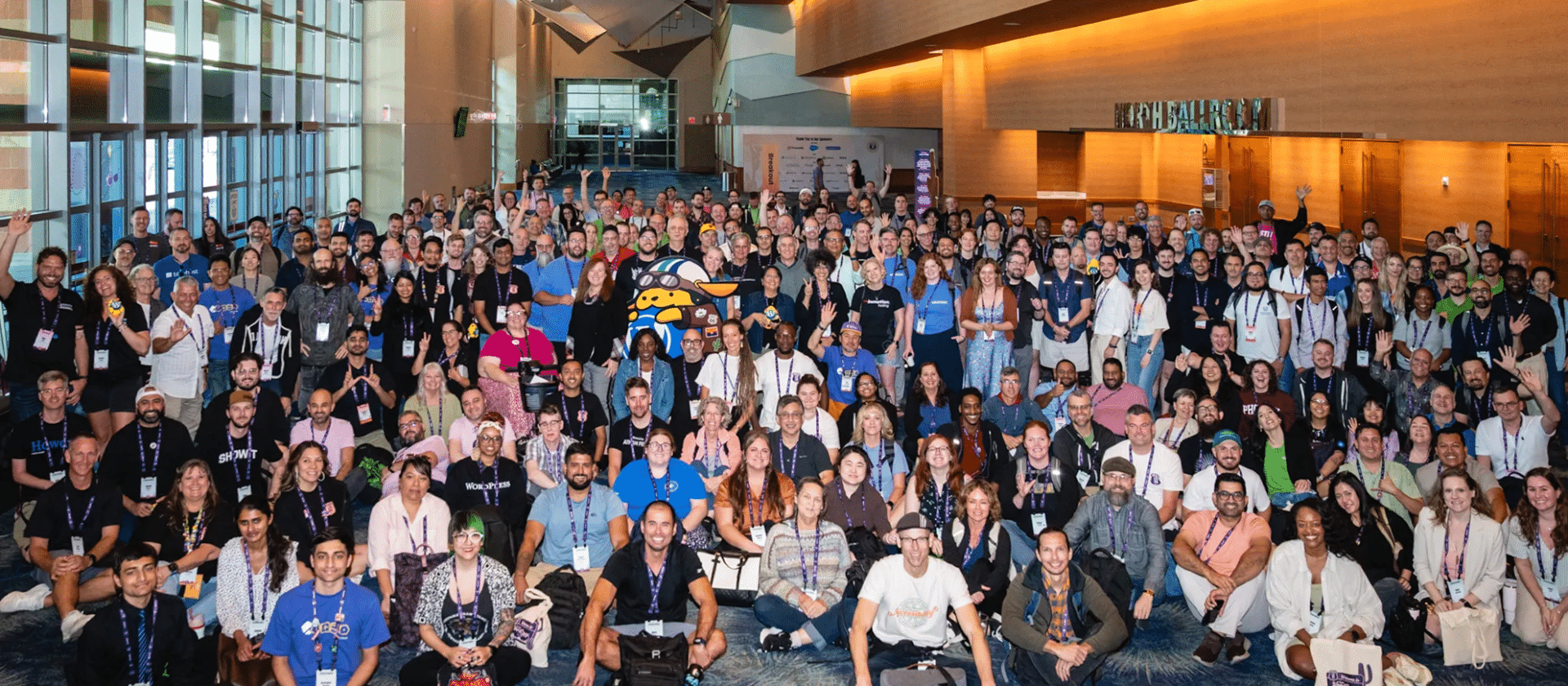
WordCamp US 2026 Recap
4 Days packed with lots of great talks, lots of great people, and lots of not so great heat. Phoenix was a blast!
-
Monolithic WordPress vs Headless WordPress
Headless? Monolithic? This article provides all the information you need to compare the two and make an informed decision about which is best for your WordPress site.
-
How WordPress Multisite Supports Omnichannel Content Delivery
An enterprise CMS must enable omnichannel publishing and content management. See how WordPress supports omnichannel publishing below.
Failed to submit:
one or more fields are invalid.